Interactive walkthroughs
Interactive walkthroughs readers can click through.
Turn a captured workflow into an interactive demo: readers click each highlighted step, follow branches and finish with your call to action.
- Start free
- No card required
Walkthrough view
Let readers try each step.
Hotspots mark where to click, and captions explain what happens next. Readers can switch to a scrollable list at any time.
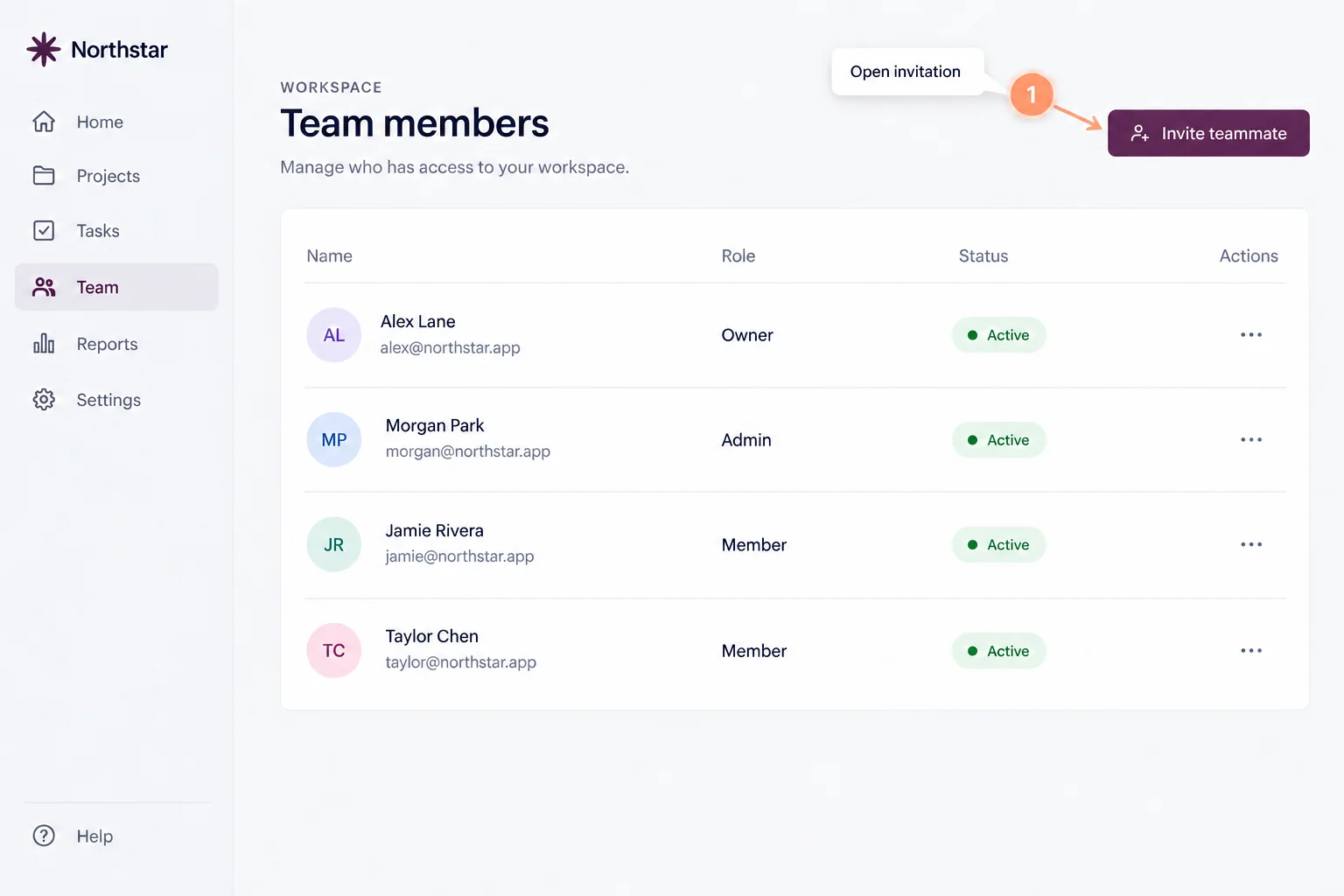
Guide the path
Branch, autoplay and close with a next step.
Send readers down different paths with conditional branching, let the steps play on their own with autoplay, and end with a call-to-action button.
Capture with Chrome
Record the workflow once in your browser.
The GuideTake Chrome extension turns clicks into screenshot steps, with short video steps, area capture and instant blur for sensitive details.
Good to know
Before your first guide.
Make your next explanation a guide.
Start with one workflow people need to follow.
- Start free
- No card required